







Purpose
- Scope: Using Transtool on Mac OS
- Intended audience: External translators
Requirements
- WineBottler: http://winebottler.kronenberg.org/
- External version of Transtool installed in a folder
Instructions
- Download WineBottler from http://winebottler.kronenberg.org/.
- Open WineBottler’s .dmg file (e.g. WineBottlerCombo_1.6.1.dmg).
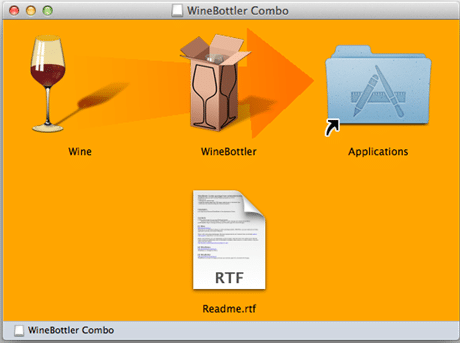
Figure 2.1: WineBottler screen after opening the .dmg file - Download and install latest version of Transtool (two files from https://transtool.cbg.com/) in a new folder.
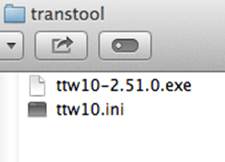
Figure 3.1: Install the two Transtool files in a new folder - Open Transtool .exe file (with the Wine option) and then choose “Run directly in” option (Wine should appear in the path as in Figure 3).
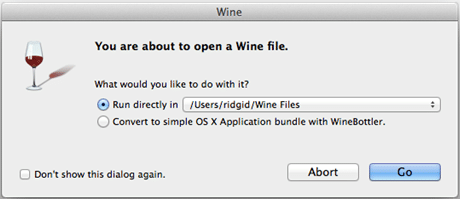
Figure 4.1: Open Transtool .exe file with Wine - The ‘Transtool Help’ menu may initially display, close the ‘Help’ window to display the actual Transtool application window
- Drag and drop .org Transtool file to the Transtool window.
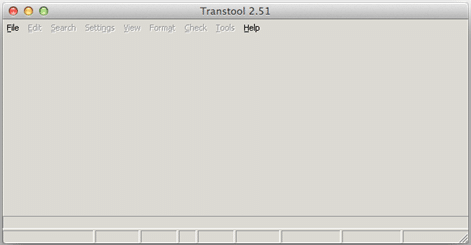
Figure 6.1: Transtool window on Mac


Note: If WineBottler is ejected (see below), you need to reopen the .dmg file in order to work with Transtool files.
